Quick Summary
- Who this guide is for: Filipino citizens, OFWs, and foreigners seeking PhilHealth membership or updates.
- Important Notes: Always prepare valid IDs and correct forms before proceeding.
- Estimated Time: 10 minutes for reading and preparation.
📅 Updated 2026
How to Get a PhilHealth ID Card (2026 Guide)
Getting a PhilHealth ID card in 2026 is simpler than you think — but there’s a catch. The physical card is useful, but your PhilHealth Identification Number (PIN) is the real key to your healthcare benefits. This guide walks you through every step, from requirements to the new digital ID option, so you can secure your PhilHealth ID with confidence.
What Is a PhilHealth ID?
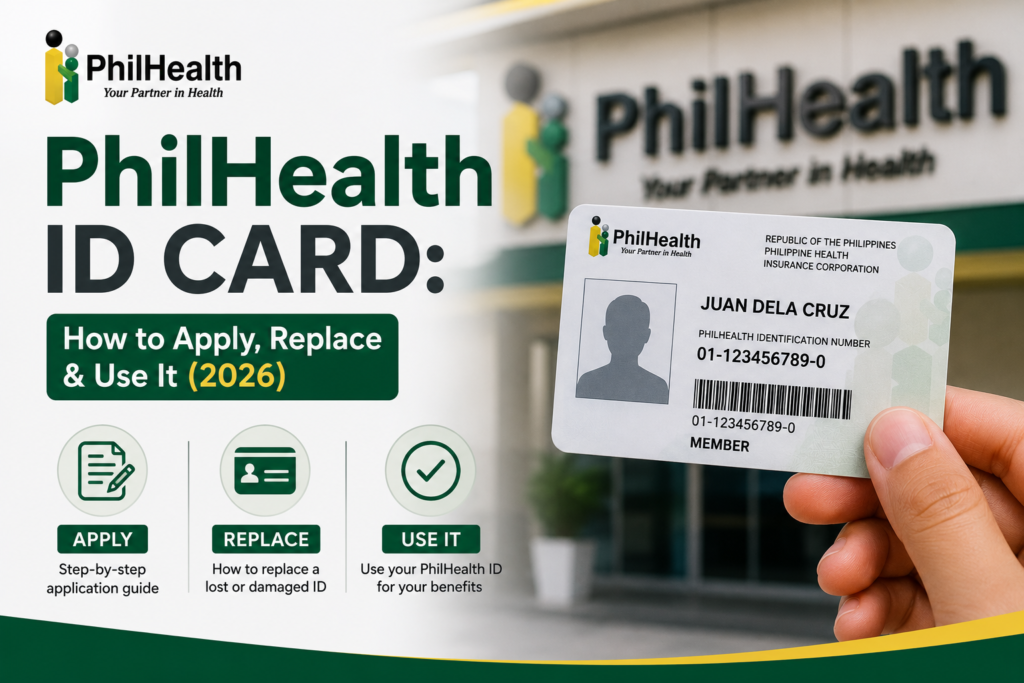
A PhilHealth ID is an official proof of membership in the Philippine Health Insurance Corporation. It displays your name, photo, and your permanent PIN. However, as PhilHealth officials emphasize, the physical card is not strictly required for hospital transactions — your PIN and membership status matter most [citation:1]. Still, employers, banks, and other agencies often ask for it, so having one is practical.
PhilHealth ID Requirements 2026
Prepare these documents to avoid rejection at the branch. Write neatly in black ink — no erasures or correction tape [citation:6].
For all applicants
- 2 copies of the PhilHealth Member Registration Form (PMRF) — download from the official website.
- 2 recent 1×1 ID photos with white background.
For new members (first time)
- Any two valid government-issued IDs (PSA Birth Certificate, Passport, Driver’s License, UMID, PhilSys National ID, etc.) [citation:2].
- If employed: Certificate of Employment or company contract.
- If self-employed/freelancer: DTI registration, Mayor’s permit, or affidavit of income.
- For OFWs: Passport and OEC or POEA contract.
For existing members (already have a PIN)
- Just one valid ID and your PIN (or any government ID).
Need to declare dependents? Bring PSA marriage certificate (spouse) or PSA birth certificates (children under 21). For parents (60+), bring your PSA birth certificate to prove filiation [citation:6].
Step-by-Step: How to Get a PhilHealth ID
You have two main routes: online registration (to get your PIN) then claim the ID in person, or a walk-in for same-day issuance.
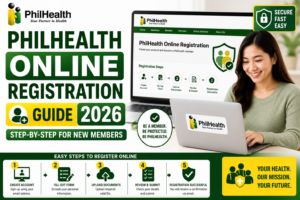
Option 1: Online Registration (Get Your PIN First)
- Visit the PhilHealth Member Portal and click “Register”. Use a valid email that hasn’t been used before [citation:12].
- Fill out the electronic PMRF with accurate details.
- Upload documents: PSA birth certificate or valid ID.
- Wait 3–5 working days — your PIN will be emailed to you.
- Visit any PhilHealth office to claim your paper ID (bring your PIN and one valid ID).
Option 2: Walk-in Registration (Same-Day ID)
- Prepare all requirements (PMRF, photos, IDs). Fill out the forms at home to save time.
- Go to the nearest PhilHealth Local Health Insurance Office (LHIO) or PhilHealth Express outlet in malls like SM or Robinsons [citation:1].
- Submit your documents and wait for your number to be called.
- Get your paper ID — it’s printed on the spot, free of charge.
If you want the PVC card, ask the branch if they offer it; a small fee (₱90–₱150) may apply, but availability is inconsistent [citation:1].
How to Replace a Lost PhilHealth ID
Losing your ID is not a problem — your PIN remains valid. Simply visit any PhilHealth branch, bring a valid ID, and a new 1×1 photo. Some branches require an Affidavit of Loss; others just ask you to fill out the PMRF again. Your replacement paper ID will be issued on the spot [citation:1].
2026 Update: Digital PhilHealth ID via eGovPH App
This is a game-changer. The DICT’s eGovPH Super App now lets you generate a digital PhilHealth ID after you verify your identity using the PhilSys National ID. It features a verifiable QR code and is legally accepted by hospitals [citation:15]. You can skip the physical card entirely if you prefer — just download the app, complete verification, and access your digital ID anytime.
🖼️
(Your actual PhilHealth ID will include your name, PIN, and 1×1 photo.)
MDR vs. ID Card: What Really Matters
Here’s the inside scoop: hospitals often ask for your Member Data Record (MDR), not just your ID. The MDR shows your active status, contribution history, and declared dependents [citation:5]. It’s the document they use to process claims.
Pro tip: Once you have your PIN, create an account on the PhilHealth Member Portal and print your MDR anytime. Keep a digital copy on your phone — it’s often more powerful than the card itself.
Learn more about the PhilHealth MDR and how to access it online.
Frequently Asked Questions
Yes, the regular paper-based ID is free. Only the PVC card (when available) has a fee. [citation:11]
You can register online to get your PIN, but you must visit a branch to claim the physical paper ID. However, the digital ID via eGovPH app is fully online. [citation:15]
It’s accepted as a secondary ID for most government agencies, but banks usually require a primary ID like a passport or driver’s license. The digital ID with QR code is increasingly accepted. [citation:1]
PHIC stands for Philippine Health Insurance Corporation — it’s the agency. Your PhilHealth ID number is your PHIC number.
Disclaimer: This guide is for informational purposes. For the most current rules, always refer to the official PhilHealth website (philhealth.gov.ph).
Need More Help?
Explore our comprehensive PhilHealth Online Registration Guide for step-by-step instructions.
View Registration Guide →